What do we mean by native videoconferencing and BYOD?
In simple language:
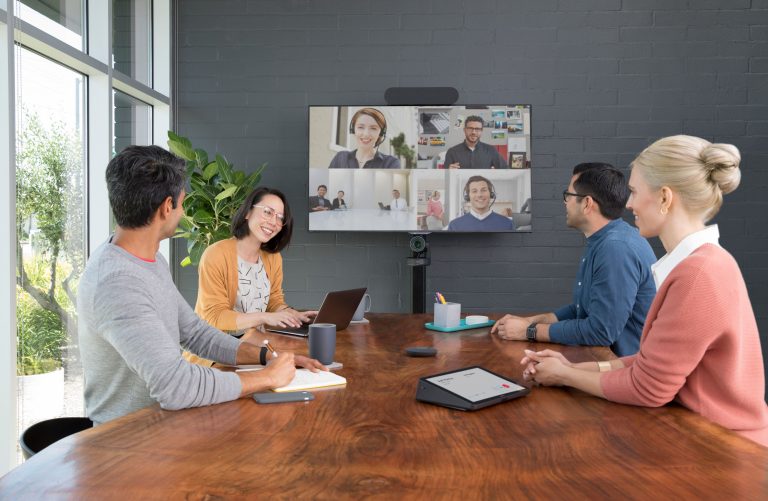
Native videoconferencing means that your meeting room has a set (integrated) system that’s specially designed for one platform for video meetings. Think of Microsoft Teams Rooms or Zoom Rooms: hardware and software work together seamlessly. You walk in, press one button, and the meeting starts.
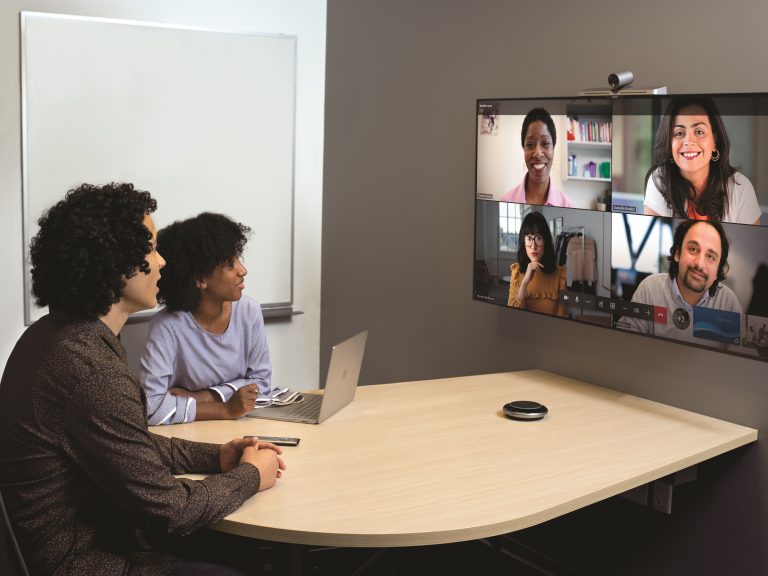
BYOD (Bring Your Own Device) means that participants connect their own laptop or tablet to the screen, the camera, and the microphone. You use your own platform (Teams, Zoom, Meet), often via HDMI or wireless connection. Flexible – but not always without errors.
The dilemma: flexibility or reliability?
When designing a boardroom, it often comes down to one question:
Do you choose the freedom of BYOD or the security of a native system?
In theory, BYOD seems cheaper and simpler. In practice, it turns out that it actually takes more time, carries more risk, and requires more support.
BYOD: the promise of flexibility
With BYOD, every user brings their own device and connects that to the equipment in the meeting room. The big advantage is the platform freedom: everyone can use their own favourite meeting tool. Furthermore, the purchase costs are lower, because there’s no need for a set computer or license for each room. And users feel comfortable with their own laptop and settings.
But, in practice, this flexibility often comes with a lot of frustration.
The downside of BYOD
Technical roulette
Every laptop is different. Different cables, drivers, and updates result in it often taking 5 to 10 minutes before everything works. Valuable time, especially in board meetings.
Security and compliance risks
A laptop that’s connected in a meeting must stay open the entire time, notifications show (private) messages and confidential data can unintentionally show up on screen. For organisations with strict safety policies, such as ISO 27001, that’s a big risk.
Support nightmare
IT has no control over personal devices. Problems require physical support, which results in more tickets and pressure for the IT department. Research agency Gartner estimates that BYOD environments generate 3 to 4 times more support questions.
Inconsistent experience
Today it works, tomorrow it won’t. An update, a new adapter or a different laptop, and the systems functions differently. This seems unprofessional to external guests or investors.
Native videoconferencing: the power of integration
A native system combines hardware and software in one integrated solution, such as Microsoft Teams Rooms. Everything is preset, from camera to sound, and the system is always ready for use.
Why native systems make the difference
One push of a button
You start the meeting straight from the touch panel. No laptop, no cables, no stress.
Reliability and consistency
The technology always works in the same way. For boardrooms where time and focus are crucial, this is worth gold.
Integration with IT and agendas
Native systems are connected to Outlook or Google Calendar and automatically start the right meeting.
Central management and monitoring
All updates and patches are automatically executed within the secured IT environment. Fully compliant with security standards.
So, how much does that cost?
The extra cost in manageable: a couple hundred euros for the hardware, plus license costs per room. In return, you get: the security that it always works. One touch join. No difficulty anymore. And above all: no missed opportunities because the technology fails in the moment when it matters.
When BYOD does work
BYOD can work well for:
- Small, informal meeting rooms
- Start-ups with limited budget
- Ad-hoc rooms without confidential information
- Teams with enough technical knowledge
But for a boardroom where strategic decisions are made, BYOD often lacks.
Why native wins in boardrooms
Our experience at AVEX is clear: 9 out of 10 corporate boardrooms eventually choose native videoconferencing.
Example: RTL Netherlands
RTL replaced their boardroom with a native Microsoft Teams Rooms solution via our Quarta concept.
“Everyone wants to meet in this room. No cables, no difficulty – and we don’t need support from IT anymore.”
That last point is crucial: a boardroom must always work, without help from IT.
What suits your situation?
Answer these questions and discover if native videoconferencing is the solution for you:
| Question |
Advice |
| How critical is the room? |
Boardroom→ Native |
| What is your user group? |
C level → Native |
| How often does the room get used? |
Daily → Native |
| Security level? |
ISO 27001 → Native |
| Support capacity? |
Limited IT team → Native |
| Investment horizon? |
5+ years → Native |